LIONHOST
- Home
- Hosting ▾
- VPS ▾
- Dedicated ▾
- Domains
- Streaming
-
Modules ▾
-
WHMCS Modules →
- LionHost AI Support SoonAI support assistant
- LionCloud SoonVPS / Virtualizor provisioning
- Lion AbuseGuard SoonAbuse automation center
- Client Layout Pro SoonClient-area customization
- LionHost Licensing SoonLicense generator & platform
- DNS / rDNS Manager SoonDedibox, Online.net & Scaleway
- Cancel Request Manager SoonCancellations, pauses & retention offers
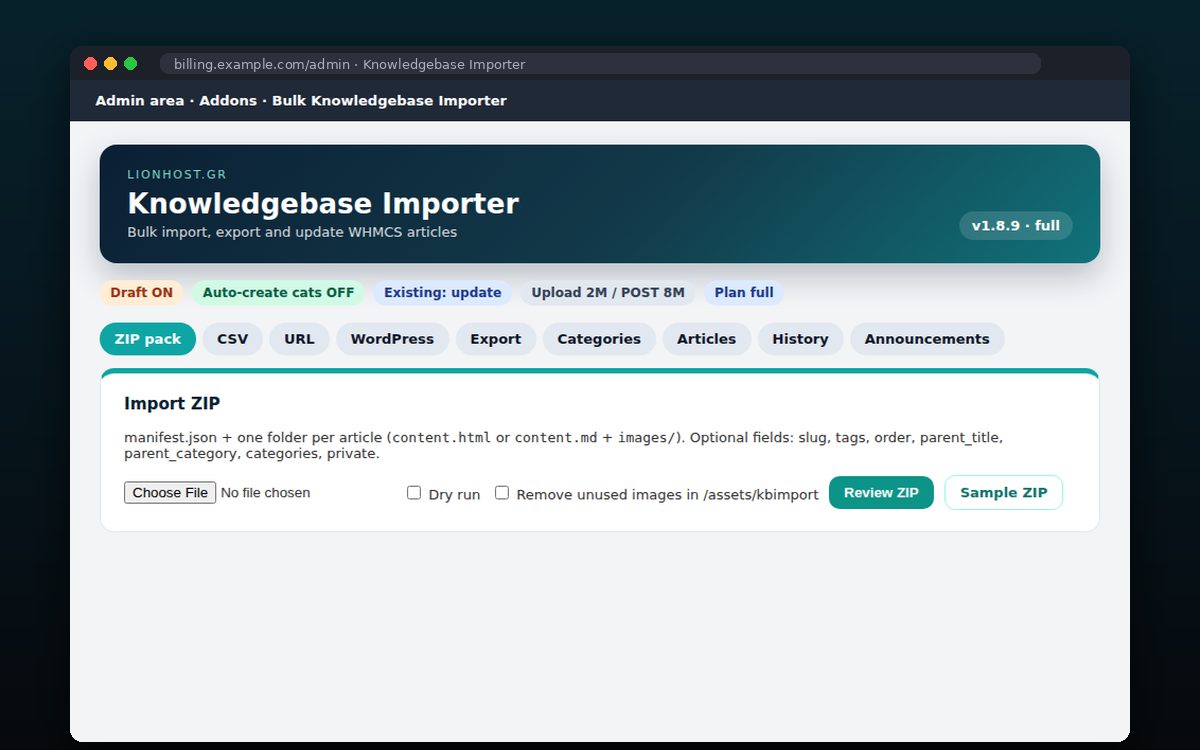
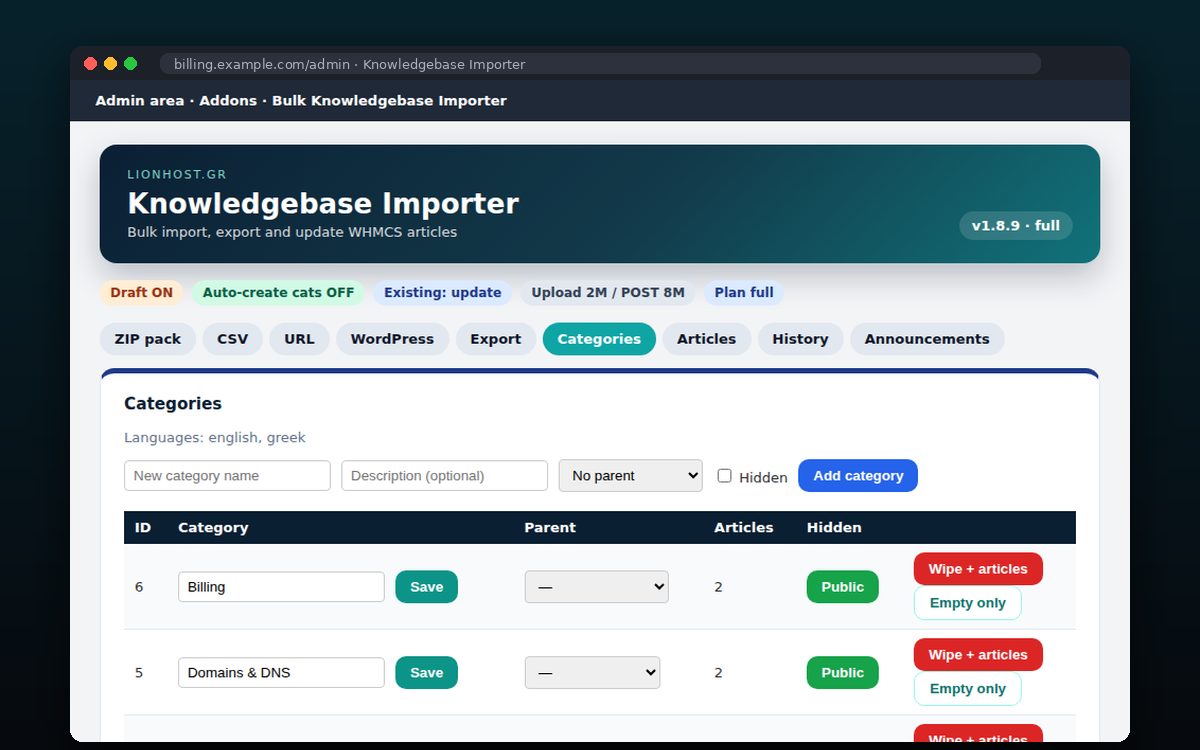
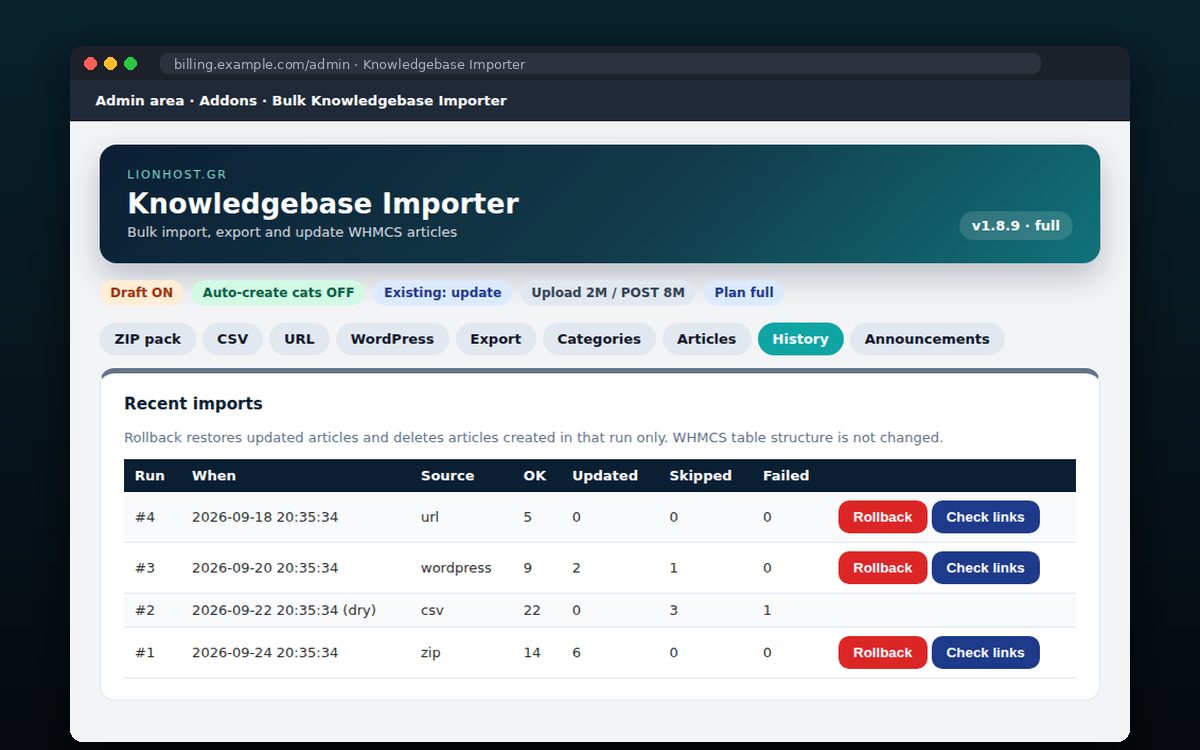
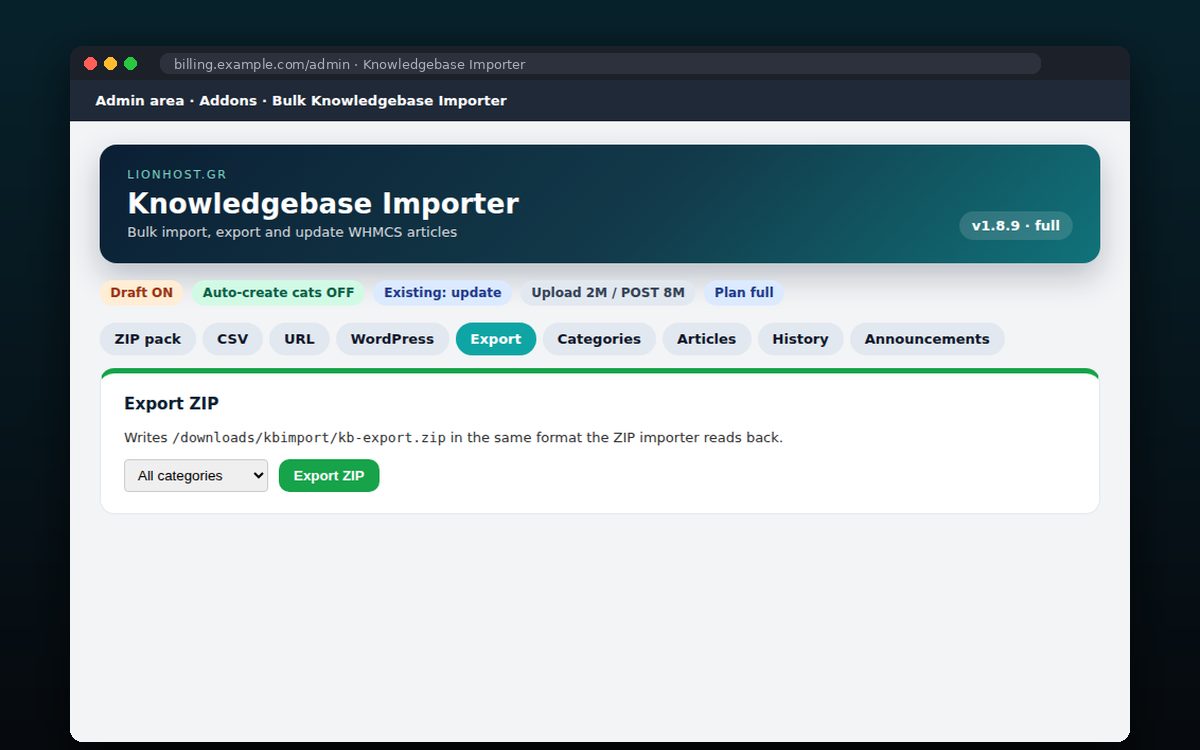
- Bulk KB Importer SoonBulk knowledgebase article import
- cPanel Plugins →
-
WHMCS Modules →
-
Lion Labs ▾
- Platforms
- AI & Backup
- Support ▾
- Support AI
- Client Area Get started